
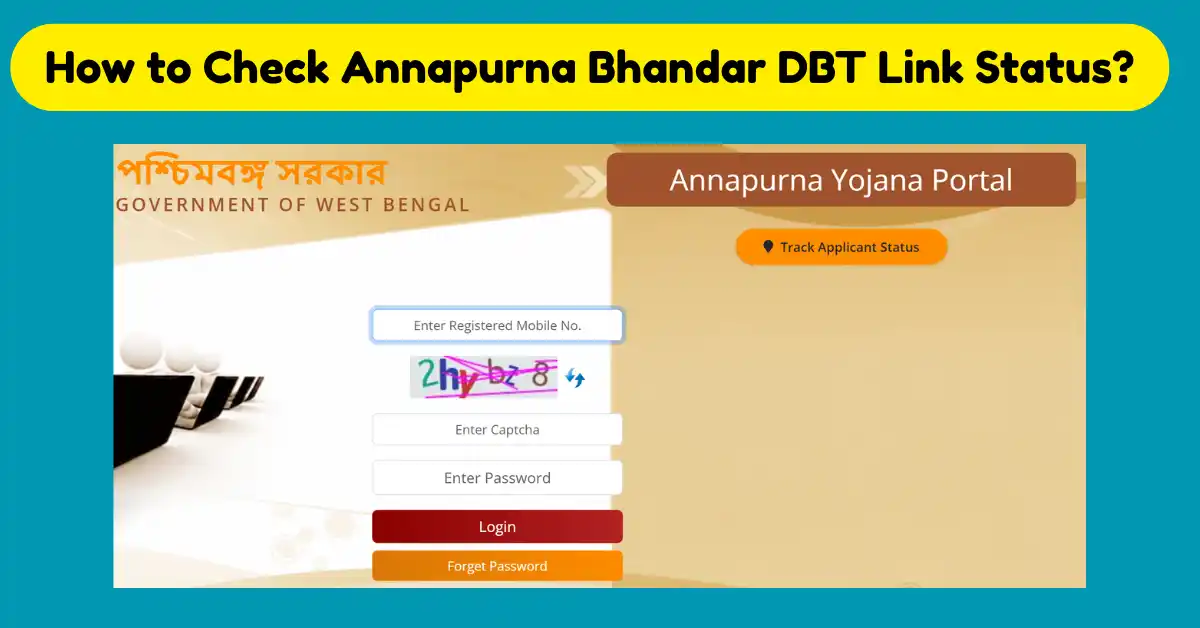
The West Bengal government finally launched the Annapurna Bhandar scheme. The official notification for this scheme has also been released, and it is going to replace the existing Lakshmir Bhandar Scheme. Under this scheme, an eligible woman will get a financial support of Rs 3000 monthly. This scheme works under the Women and Child Development and the Social Welfare Department. Notification is released by the department, and it came into effect from 1st of June 2026. Now, after the launch of this scheme, many applicants will try to check whether their Aadhaar number is linked to their bank account or not. So today we are here to provide complete information on how to check the Annapurna Bhandar DBT Link online.
The New BJP Government in West Bengal is going to replace the previous government schemes in their new schemes. Annapurna Bhandar is the advanced version of the previous Lakshmir Bhandar Scheme. The previous government scheme provide finincal benefit of Rs 1500 per month, and now, after the replacement, it will be Rs 3000 per month. The financial support amount of Rs 3000 will be given through the DBT, and it will be effective from 1st June 2026.
Annapurna Bhandar DBT Link
DBT is known as Direct Benefit Transfer, a Payment distribution system of the Government in which welfare scheme benefits will be transferred directly into the beneficiary’s account without the involvement of middlemen. Now, due to the rise in the application of Annapurna Yojana, people who have already completed their DBT Process can check the Annapurna Bhandar DBT Linking online.

The Annapurna Bhandar benefit is also provided via DBT. So applicants can check if their Aadhaar number is correctly seeded with their bank account. Applicants also update details with the National Payments Corporation of India (NPCI) Database. Applicants need some details like Aadhaar card number, bank account details, etc. In case Aadhaar is not linked with your bank account, then the monthly financial support may not be credited successfully into your account.
How to check the status that your Aadhaar number is linked to your Bank account number?
To check the DBT Status, you have to conform thats your Account number is linked with Aadhaar or not. Follow these steps:-
- Net banking
- Mobile banking
- Offline by visiting a bank branch
- Through Aadhaar Seeding Services Provided by Banks
Online Steps:-
- To check Aadhaar Seeding through your mobile app, you have to login into your app.
- After that, go to the Services section ot Aadhaar Linking section.
- Now enter your 12 Digit Aadhaar number and then verify using OTP.
- Now submit your request.
Offline Steps
- For offline, visit your Bank Home Branch and ask them for the DBT Activation form or the Aadhaar seeding form.
- Fill this form with your Aadhaar number and bank account details.
- Attach an Aadhaar copy with this form witch is self-attested.
- Now submit this form to the bank officials. After the bank verification, they will update your Aadhaar Bank linking.
How to Check Annapurna Bhandar DBT Link Status?
- To check this, first you have to visit the UIDAI Portal.
- Now, on this page, you have been logged in on this website with your Aadhaar number, which is linked to your mobile number.
- Enter the Aadhaar number, fill in the captcha code, and request an OTP.
- Enter OTP and Login on the UIDAI Website successfully.
- On the Home page, you will see various options. You have to choose “Bank seeding status”.

- Now a new page will be opened. If your Aadhaar is linked with a DBT account, then it will show Bank Seeding status is active. If not linked, then it will show Non-Active.

How to link Aadhaar Bank DBT Online?
- To do that, you have to visit the NPCI Official portal.
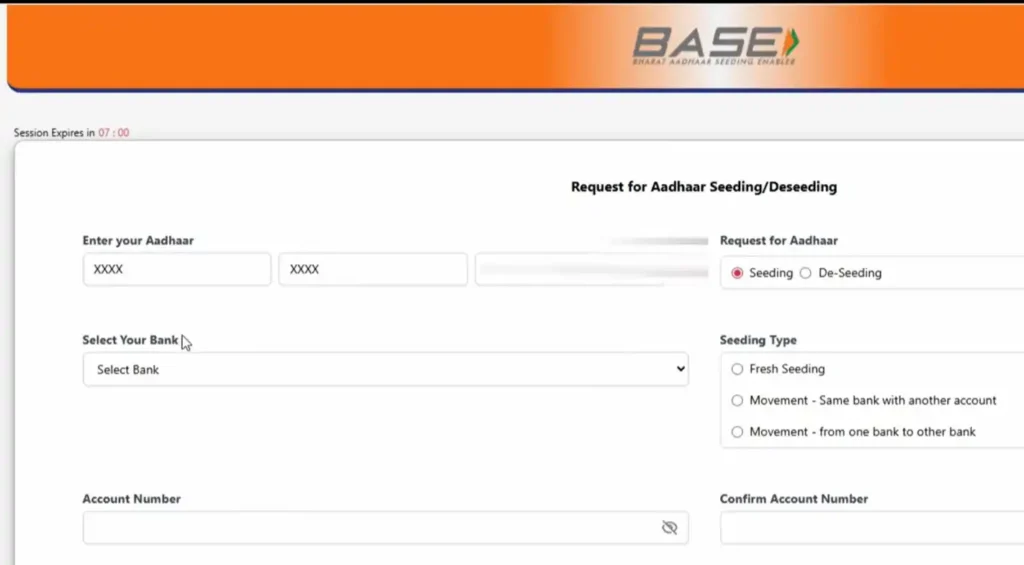
- On the home page, you have to go to the Customers section and then select Bharat Aadhaar Seeding Enabler (Base).

- On the next page, there is an option of Aadhaar Seeding/Deseeding.
- Now a form is open in which you have to enter your Aadhaar Number, Select Seeding, then select your Bank Name, Seeding Type, Account Number, confirm the account number and then agree to the Terms and Conditions, fill the captcha code and click on the submit button.
- Now you will receive a 6 Digit OTP for final confirmation. Enter it and then click on the confirm button.
- After a few days, you can check your seeding status through the My Aadhaar (UIDAI) Portal.
Important Point you must Remember
- The first and most important point is that your Aadhaar details and bank records should match each other. In case these details mismatch, then the Aadhaar seeding process will be incomplete.
- Use the mobile number that is linked with Aadhaar for OTP verification.
- Always save the acknowledgement slip for future needs.
- If you change your bank account in DBT, then do not close the old account until DBT starts for the new account.