
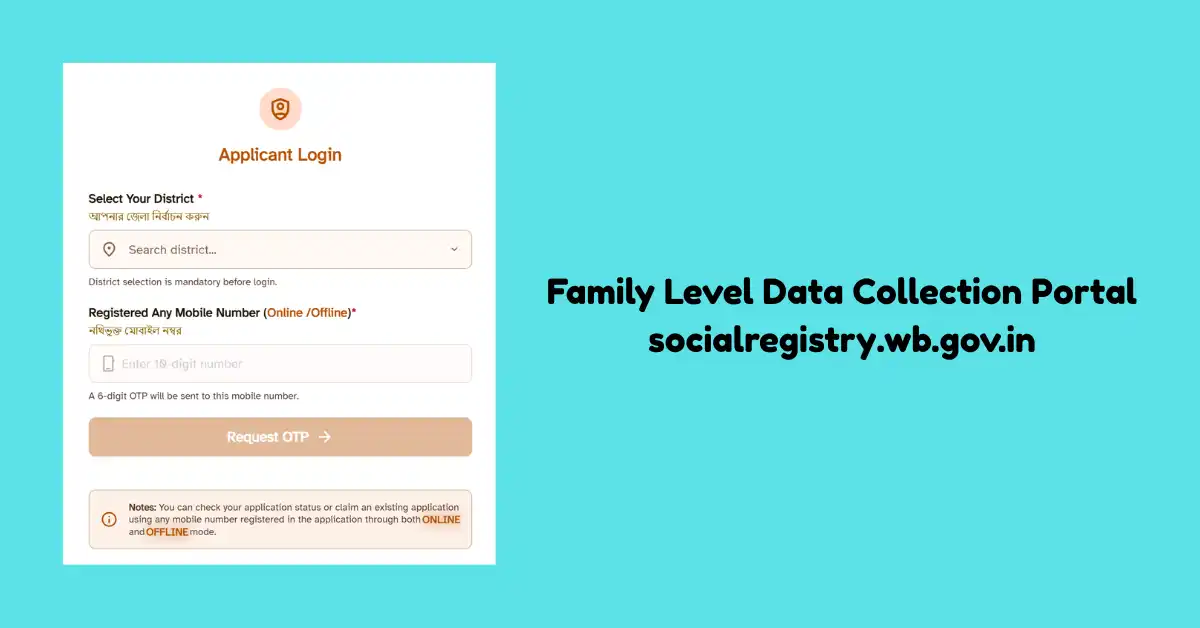
West Bengal government start family level data collection portal socialregistry.wb.gov.in for the successful implementation of Annapurna Yojana. This portal allows citizens to submit their new application for Annapurna Yojana and get the financial benefit that is provided to eligible beneficiaries.
Family Level Data Collection Portal
The name of this portal is the Family Level Data Collection Portal, which means it collects the data of all citizens who are getting the benefit of various government schemes. The government collects the data and manages it to identify the exact beneficiaries and remove unwanted people. All the resources collected by this portal help to improve transparency and ensure that only eligible people benefit. In this post, we share detailed information about the Family Level Data Collection Portal, how it is connected with Annapurna Yojana and what type of services this portal offers to citizens.
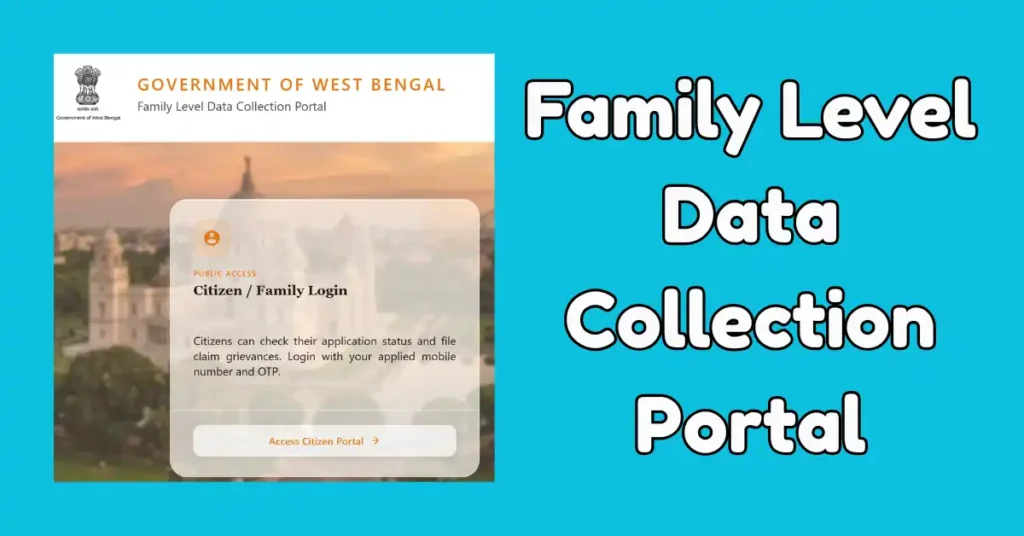
People of West Bengal who are not registered under the Annapurna Yojana yet and are searching for the Family Level Data Collection Portal at socialregistry.wb.gov.in. The older portal for social security is now redirected to the new social registry portal, and you get the same facilities on this place.
How does the Family Level Data Collection Portal work?
Any family who is considered under the Annapurna Yojana should have their information recoded and verified before registration on the Social Registry portal. Applicants have to register their family on this portal by following the application process.
Applicants who register themself on the old Social Security portal now will have their information verified by the government, and the government will check their eligibility conditions.
When your application is submitted on this official portal, then, you can check your application progress/Status on the same portal. In case any issue is raised by the department, you have a chance to correct that information within the given time and resubmit again.
socialregistry.wb.gov.in portal alos allow your to submit your complaint File greviences in case your application is rejected.
Facilities of West Bengal Family Level Data Collection Portal
| Submission of Annapurna Yojana application online |
| Applicants can submit and manage family-level information digitally. |
| Track your application form |
| Applicants can file an objection and raise a complaint online |
| Enable services like Verification of beneficiaries and managing records |
| Maintain transparency on the Annapurna Yojana |
| Less paperwork and less manpower needed |
Family Level Data Collection Portal Registration
Eligible applicants register themself on the West Bengal Family Level Data Collection Portal for Annapurna Yojana. This portal also helps you check application status and raise any issue online.
The registration process will start with your mobile number verification, and you have to create a Username and password. At the time of registration, you will get an OTP on your registered mobile number for Login. This process will be repeated every time you try to login or want to check status.
- In the 1st step of registration, visit the Social Registry Portal of West Bengal: socialregistry.wb.gov.in.
- On the homepage, select the option of Citizen/Familiy Login.
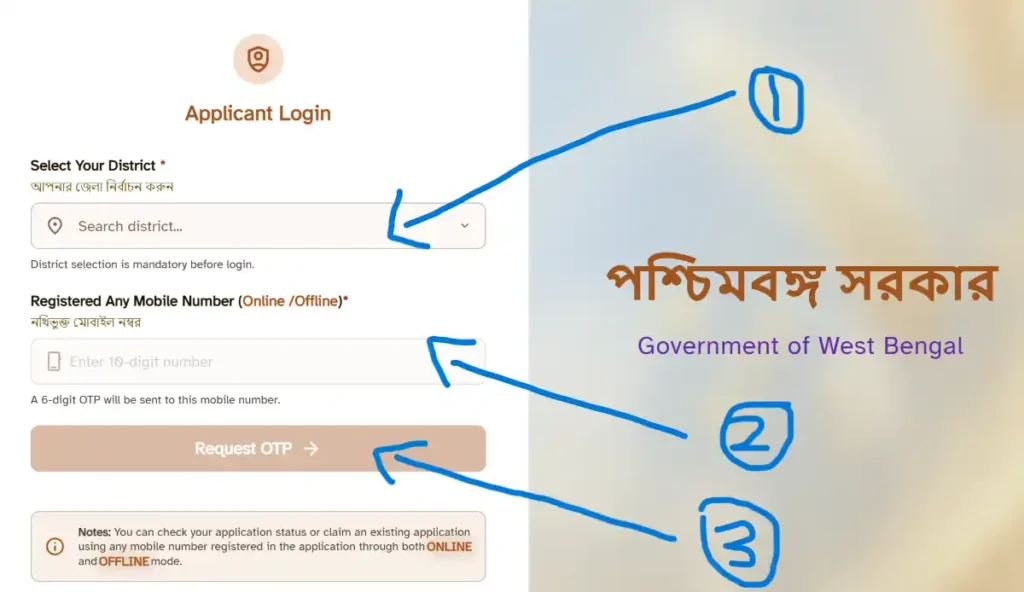
- Now the login page will open, and you have to fill in details like District Name, enter your registered mobile number, and fill in the captcha code.
- Now request an OTP. After receiving the OTP, Verifiy your number.
- Now the Family Level Data collection form will be open on your screen. In this section, there are 6 sections.
- In this Basic Information, Ration Card/Food Subsidy section, Assets, Income or profession section, Identity or Docs section and Govt Schemes section.
- Fill all these sections with correct information and submit your form online.
How to Login on socialregistry.wb.gov.in Portal
- Visit the Social Registry Portal of West Bengal.
- Now, on the home page, choose citizen login.
- Enter the district, fill in your mobile number and request an OTP. After OTP verification, you will be logged in to your account dashboard.
Family Level Data Collection Portal Status Check
- The Login process is very simple, and we already explained it in the above section.
- Go to socialregistry.wb.gov.in, select the district, enter your mobile number and then enter the OTP.
- After OTP Verification, your dashboard will open on the screen.
- One thing you have to note is that the status will be shown only when you have already submitted your application.
- Now your application status will be seen on the screen. With the status, you can see the Head of the Family name, application number, application status and submission date.
- In the status, you will see options like Submitted Sucessfully/Enquery Processsed/Acceped/Rejected.
How to submit any Objection or Claim on the Portal
In case your application form is rejected or you want to file a claim or Objection, then you can file it through this portal. With this portal, you can request a correction, claim for missing records and raise concerns regarding your application. Officials will help you to resolve this issue from time to time.
- Login to the Social Registry Portal with your mobile number and OTP verification.
- Now choose the Claim and Objection section.
- Select your category and provide details about the issue.
- Provide supporting documents if needed, and then submit your claim and note down the reference number.

Satyajit Basu is a Professional Content Writer having experince in this field for the last 6 years. He started his career as a content writer, and now he is working with many big news publications. His expertise is in West Bengal news, and interest in West Bengal Politics and Trending News.