
Banglarshiksha SMS Portal is a school management system and the official website of the West Bengal Education Department. This portal is used to manage government and government-aided schools in West Bengal. The official portal can be accessed at school.banglarshiksha.gov.in.
This portal has been active since 2019, and it covers 1.5 crore students from 95,000 schools in the state. The main purpose behind the launch of this portal is to reduce the paperwork and maintain all records digitally. This will also help in maintaining transparency and easy monitoring of schools.
Banglarshiksha SMS Portal
With the Banglarshiksha SMS Portal, students easily get the benefit of government schemes like scholarships and other financial benefits. Students can easily connect with Kanyashree, Aikayshree Scholarship, and Sabooj Sathi scheme. Parents also get the benefit and can easily track their child’s school activities, like attendance, marks entry, and performance. When things are done online, it will reduce errors and fraud.
Every student gets a Unique ID, and there is a very low chance of error. This is a central digital system that is run by school administrations. All students’ data, like their attendance, academic performance, sports activities and government scholarships and schemes, will be tracked in one place.
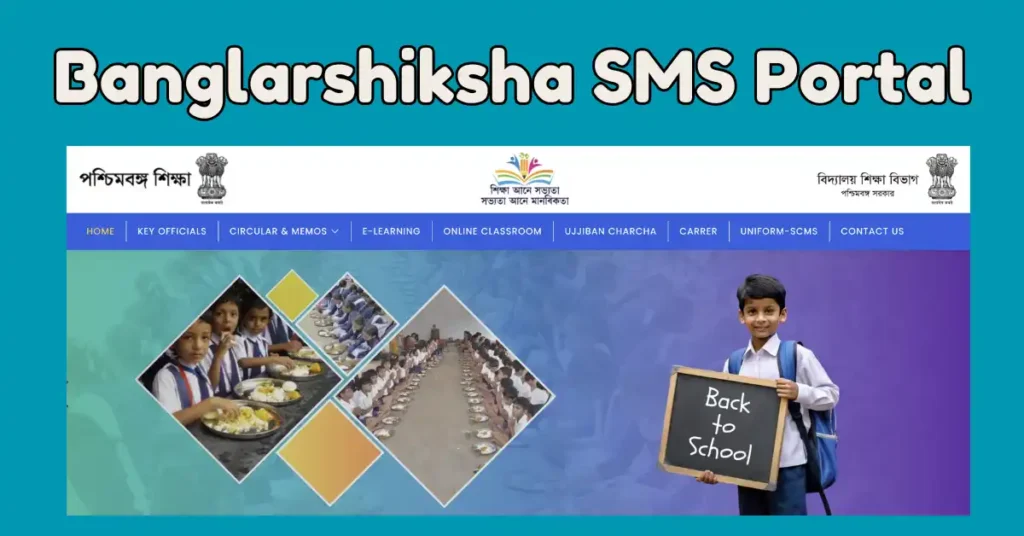
banglar shiksha sms portal is known by the name BSP SMS Portal. This is the portal used for various services. Most of the time, this post is used for students’ marks entry on the portal. Teachers and school officials use this daily.
| Portal Name | Banglarshiksha SMS Portal |
| Benefit for | Student/Teachers |
| Faculities | Marks Entry, Attendance, Teacher Transfer, Class, section add, etc. |
| State | West Bengal |
| Portal | school.banglarshiksha.gov.in |
Banglarshiksha SMS Portal Login
- Visit the school.banglarshiksha.gov.in portal and then go to the SMS Login page.
- Now fill in the DISE Code.
- Then the next thing you have to do is select a role. The role is Administration, HOI or Teacher.
- Now fill in the username and password in the box and fill in the CAPTCHA code.
- Press the login button. If you log in for the first time, then the portal will force you to change the password. For your safety, do so and login again with the new password.
Banglarshiksha SMS Portal Marks Entry
- To access this portal, visit the official website school.banglarshiksha.gov.in.
School Login
- If you are a school, then select the school option, enter the school DISE number, then fill the username and password in the box and fill the captcha code. Now click on the login button.
- After logging in, you will reach the dashboard of the website.
Dashboard Setup
- Select the Class link, which is under the setup section. All class information will be shown on the screen. If you want to update class information, then click on the edit button.
- You can add or remove classes from this option. After making changes, click on the Save button.
- You can also see sections under the seut section class-wise. If you need to update anything, click on the edit button. You can add or remove sections using the Check and Uncheck option.
- The next section is Language. If you want to add any language, click on the Add Language button.
- The next part is Medium, then First Language, Second Language and Third Language. Click on the Submit button and add a language. When you add a language, all languages will be shown on your screen.
- In the next part, you can add a subject under the setup section. To add a Subject, click on Add new subject and select Subject in this section.
- To search for a subject, enter at least 3 words and then choose from the existing list.
Enter Staff Information
- The next section is the staff profile. In this, you will see the school staff name and their username. Staff use this username to login.
Routine
- Click on the Routine link under the academic section. Select Medium, school session, class, section and hit the search button.
- Now select the teacher name, subject and click on the checkbox according to their day and period. Click on the Save button.
Formative, Summative Evaluation, HOI/Teacher Staff Login
- Select the role of the login person, like HOI, Teacher or Staff. Enter username and password. fill captche code and login.
Formative
- The Formative section comes under the Academic section. In this, you can add. Edit the Formative score from the button on a particular class.
- For this, you have to select Date, Term, Class, Section, Subject and then click on the search button. Fill in the formative marks and save your field.
Summative
- The summative section is also under the Academic. You can add/Edit Summative score for formative evaluation for a particular class.
- Select the date, Term, Class, section, Subject and then hit the search button. Now fill the formative marks and click on the Save button.
Marksheet
- This section is under the Academic section. First enter Class, then Section, and hit the search button. Click on the view icon in front of the student name. Now the complete mark sheet will be open on screen.
Service on Banglarshiksha SMS Portal
| E-Content on Portal | On this portal, students get e-textbooks and study material. This will be used in exam preparation and daily study |
| Benefit for school | This portal automatically generates a Public web view page for every school. This will help use system management data |
| Teacher Transfer and Other Services | The portal will be helpful for teacher transfers |
| Stock information about Midday Meal | Update the Midday Meal stock school-wise |
| Student benefits | Information about Textbooks, uniforms, and other things updated with data |
Benefit Of Banglarshiksha SMS Portal
| Students | This portal is useful for students, in which their information is updated. All information about enrolment, Aadhaar-linked profiles, transfer, and Dropout information will be updated here |
| Teacher Information | This portal is also helpful for teachers, in which posting, attendance, and service details are available |
| Administration | It will help in maintaining the Mid-day meal stock and reporting, scholarship operation, and infrastructure data |
Who can log in to this portal
- Administration – School Designated Admin User
- HOI – Head of Institution or Headmaster
- Teacher – Any individual teacher

Satyajit Basu is a Professional Content Writer having experince in this field for the last 6 years. He started his career as a content writer, and now he is working with many big news publications. His expertise is in West Bengal news, and interest in West Bengal Politics and Trending News.